0478/12/M/J/25 · Q2 · 9 marks
Input & Output Devices · Data Storage & Compression
1 of 6 parts similar: converting between bytes and kibibytes is already in your test.
Build from real Cambridge Computer Science past papers. Spot repeated knowledge as you choose, then print a clean test and its mark scheme.
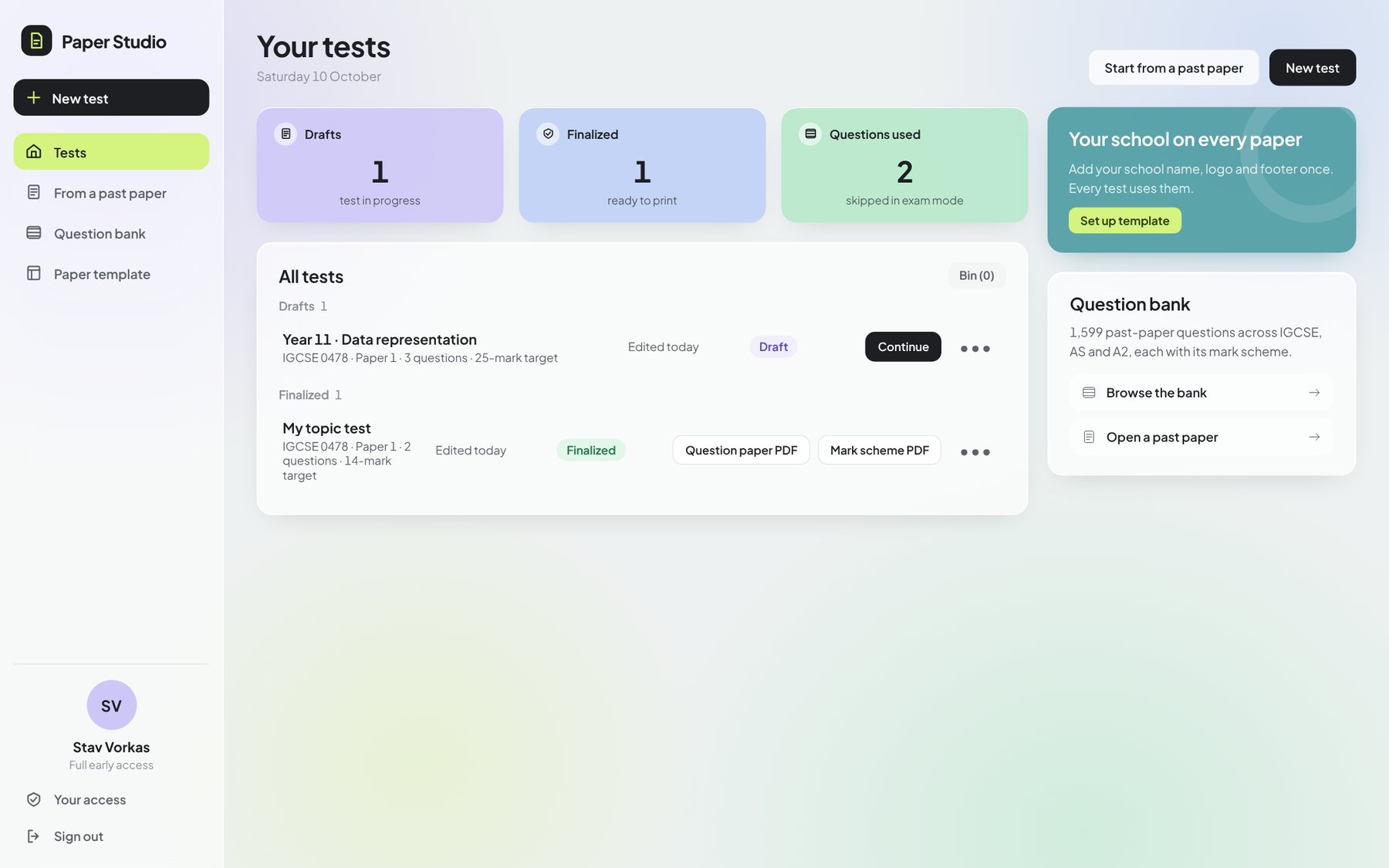
The question bank
Each one keeps its original wording, diagrams, reference and mark scheme, so a test built here looks and marks like the real exam.
Building a test
Watch a test come together in the real app: search, filter, preview, add, check. Every frame below is Paper Studio, clicked through step by step.
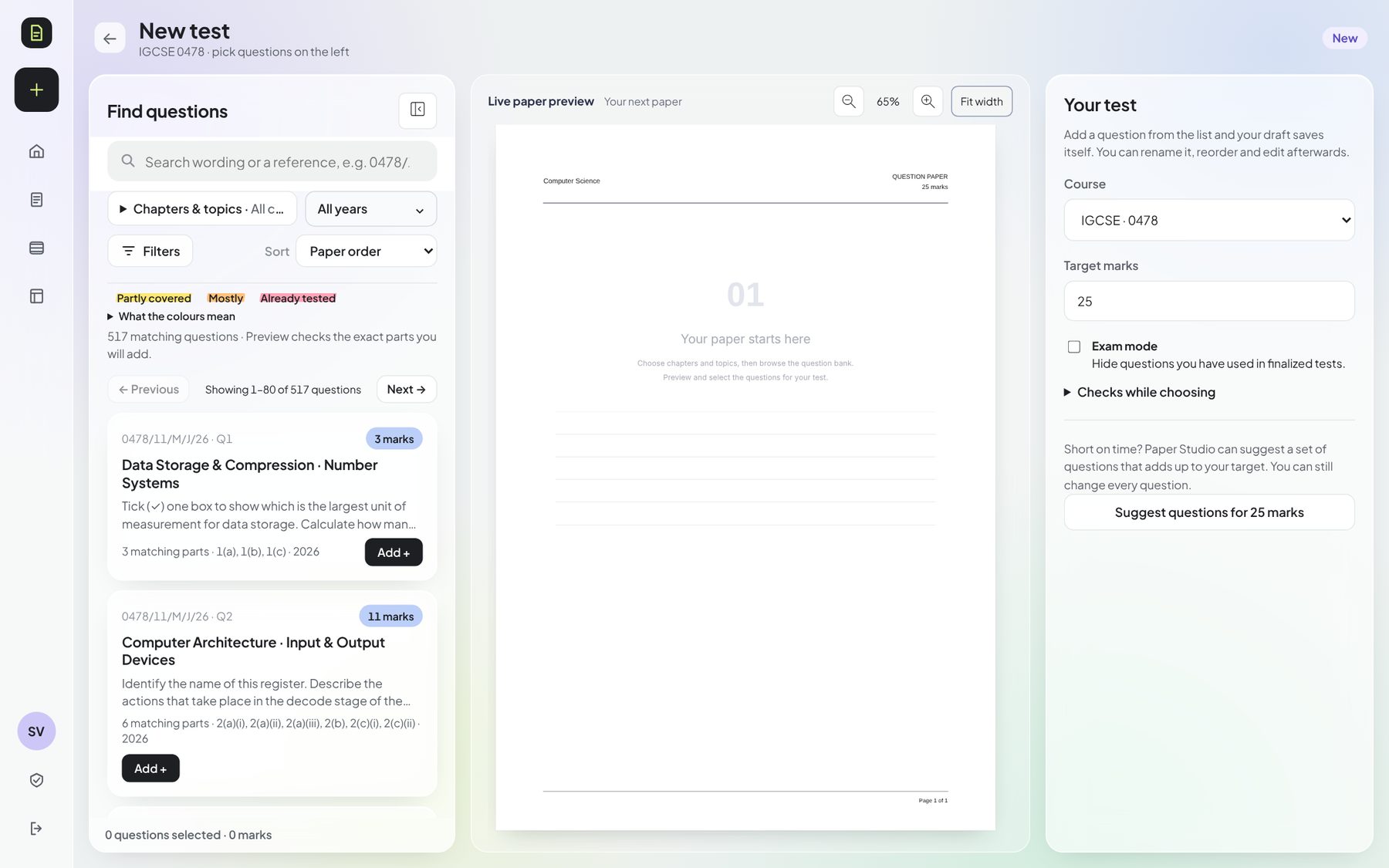
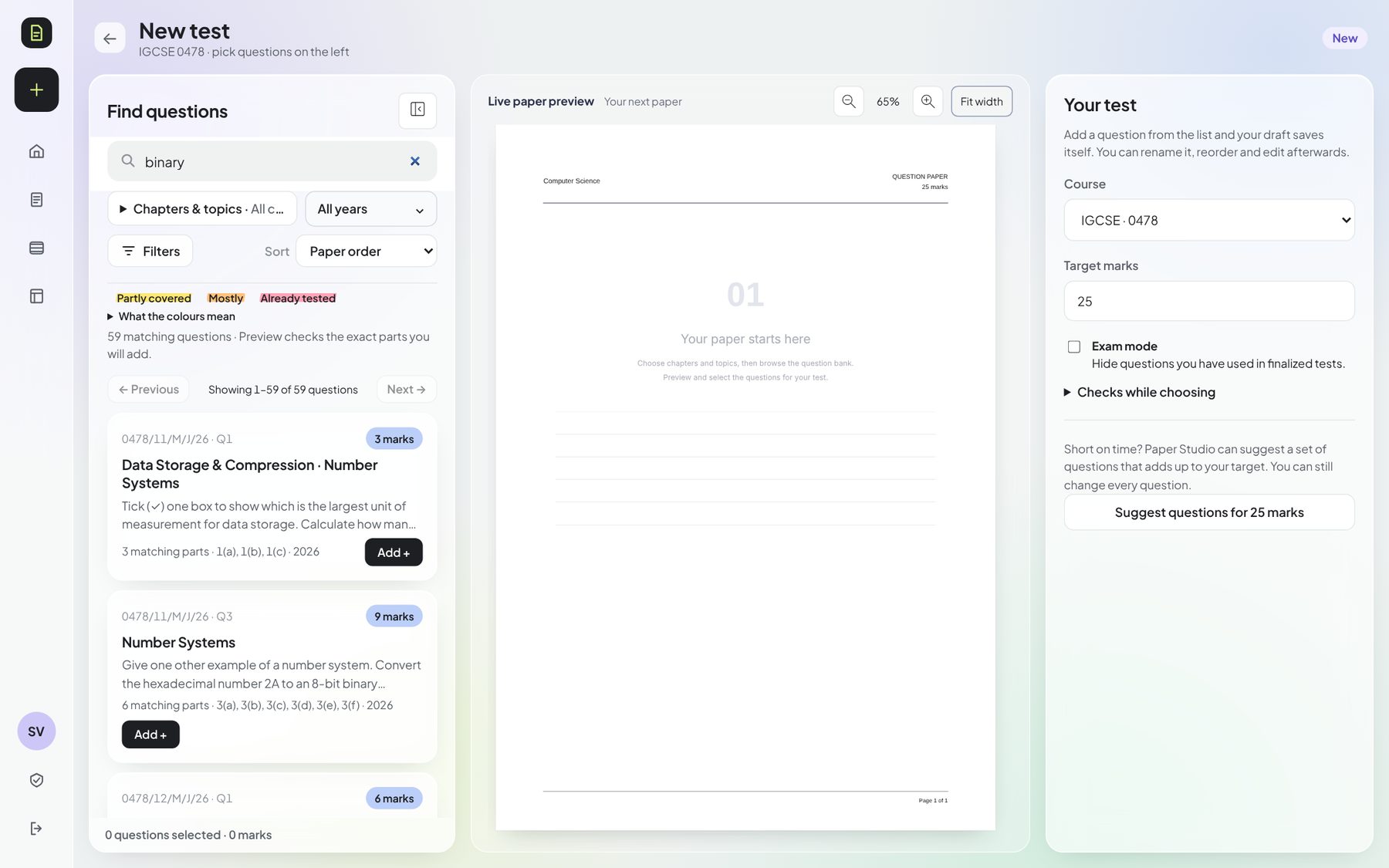
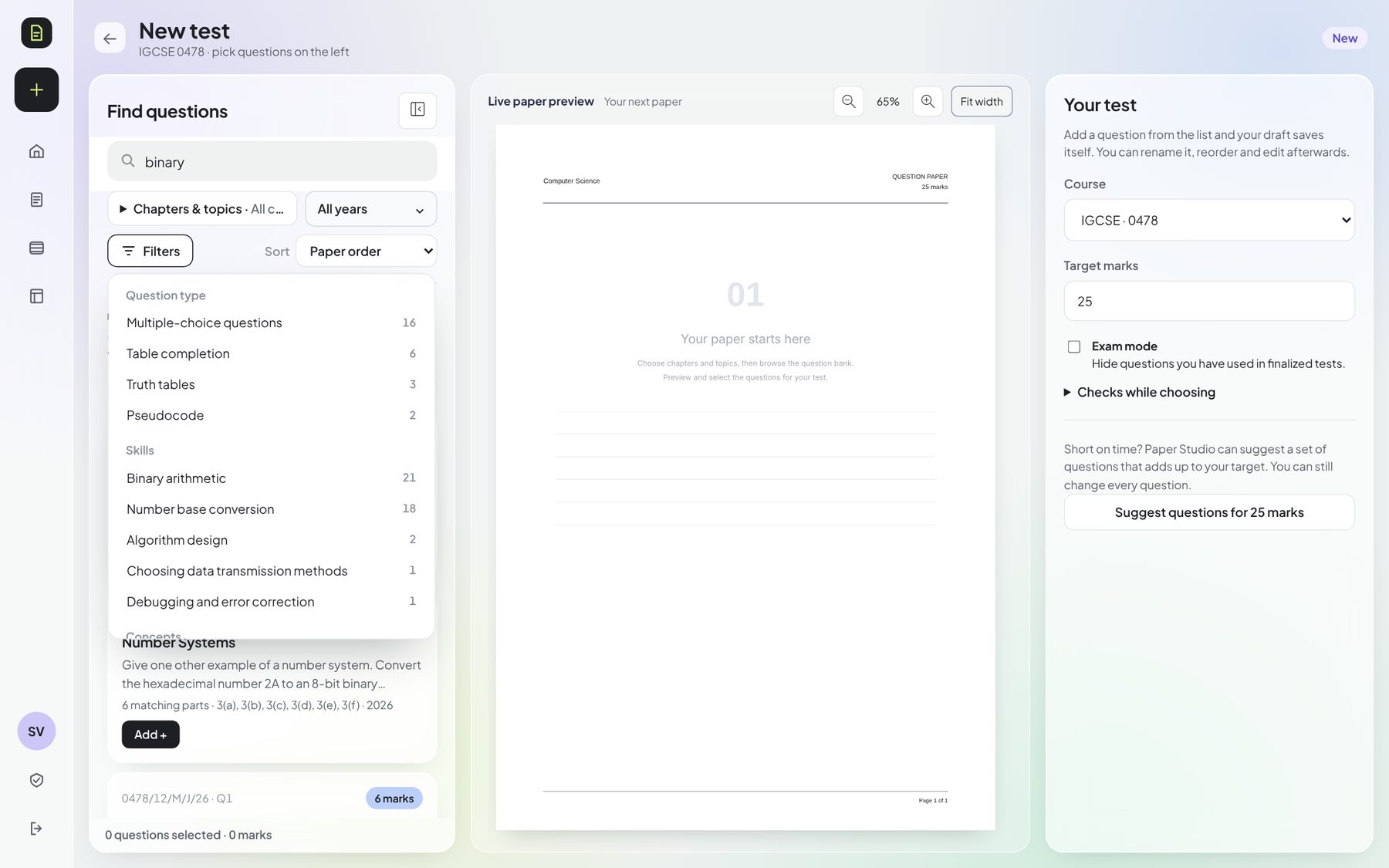
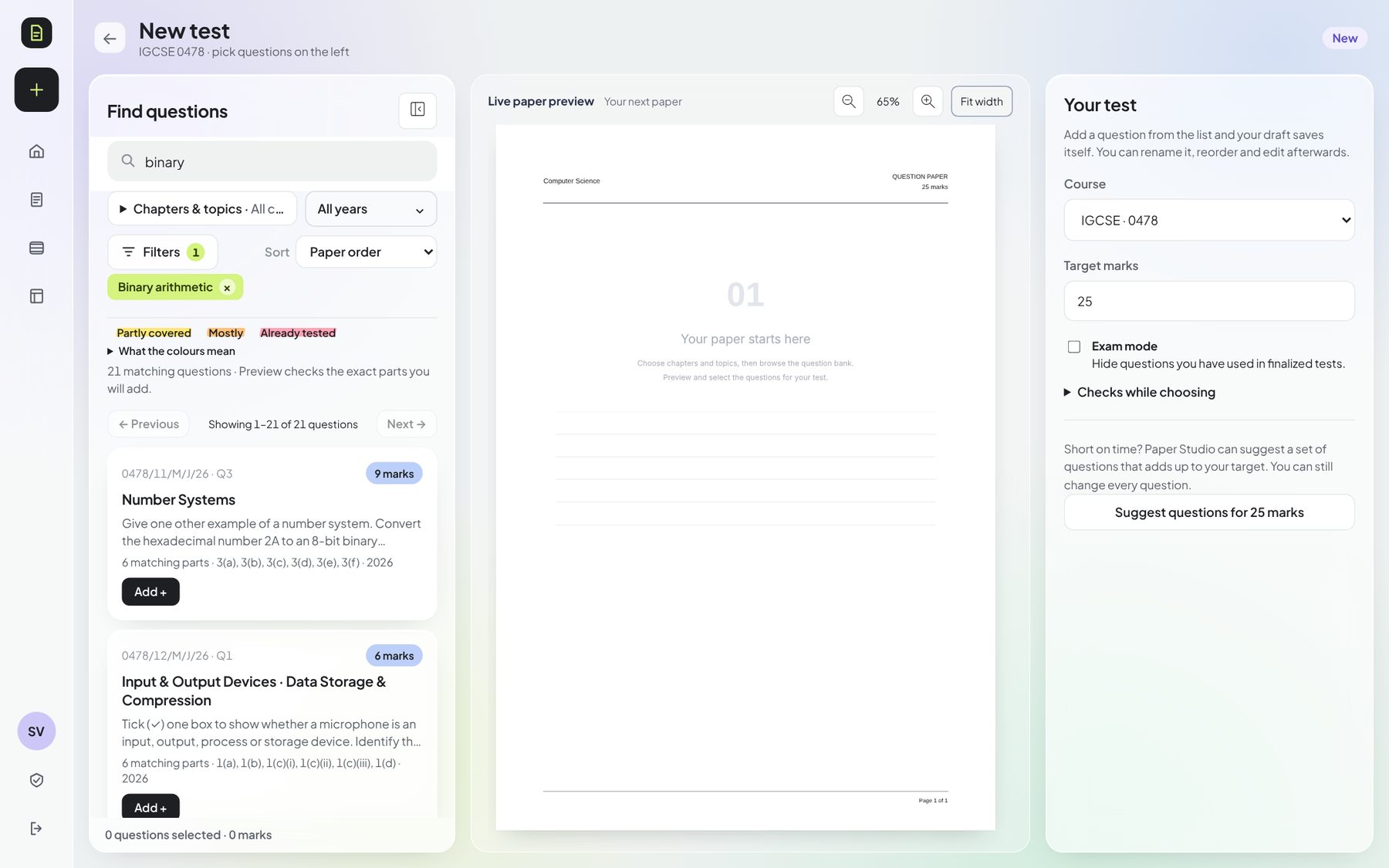
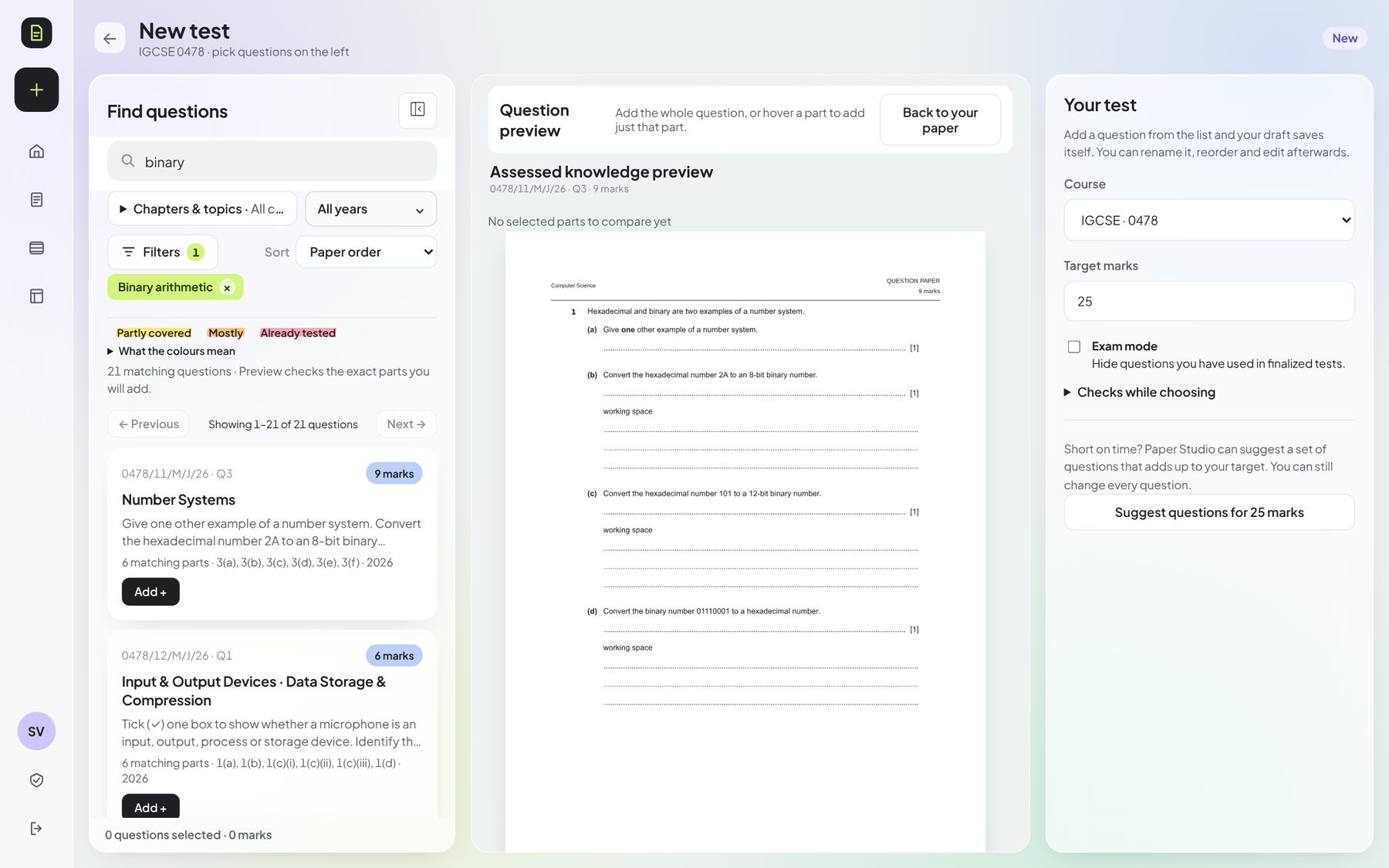
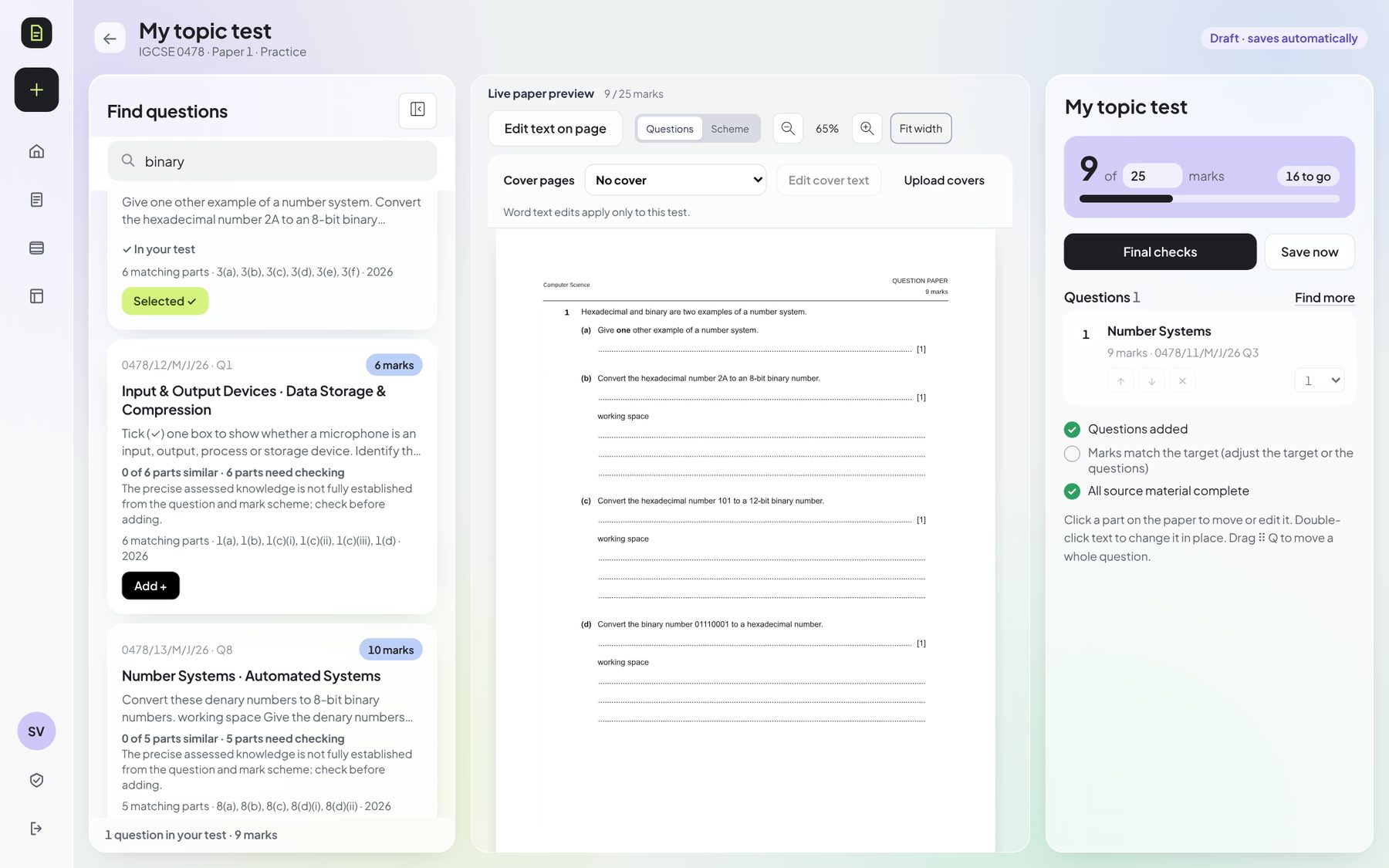
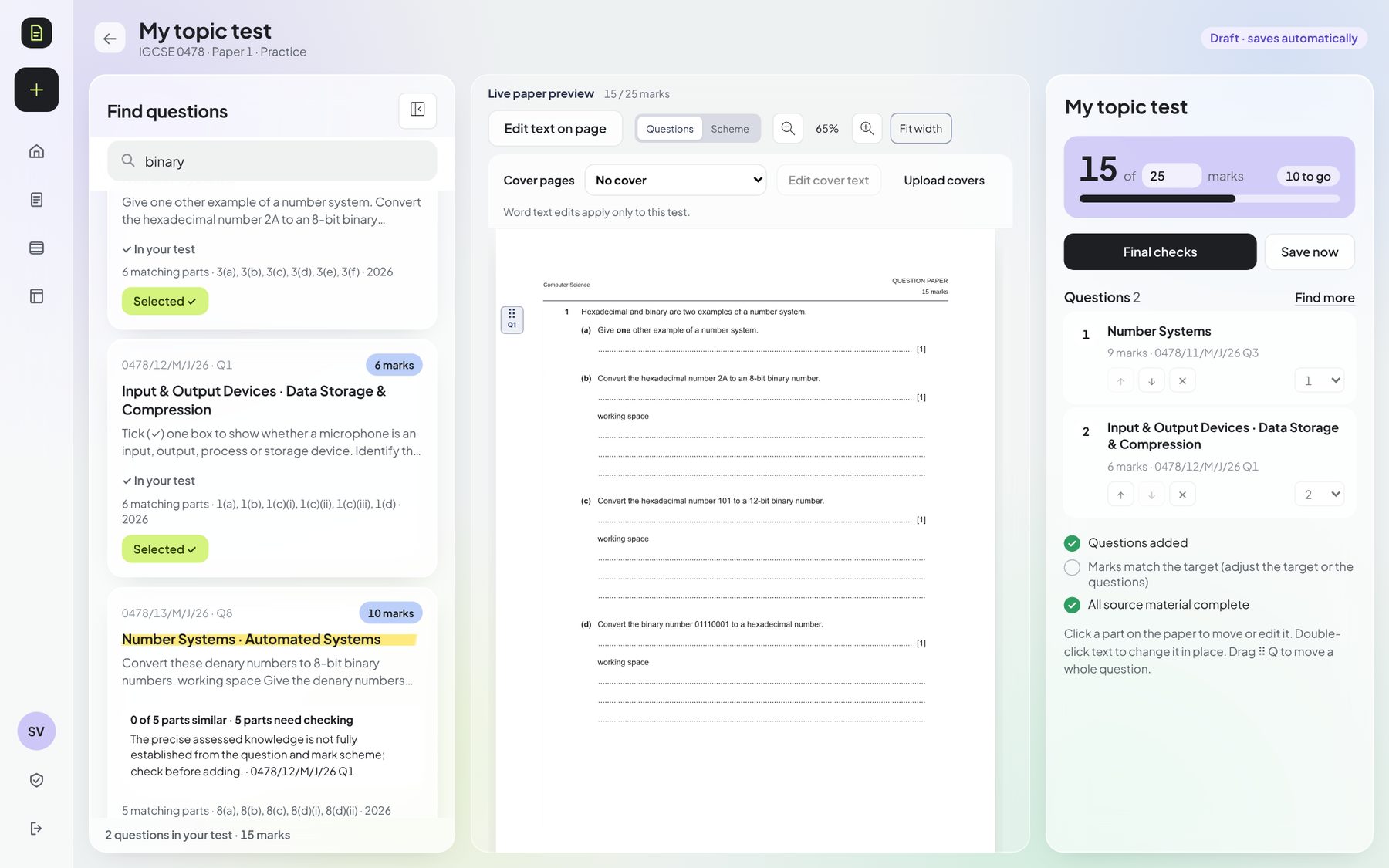
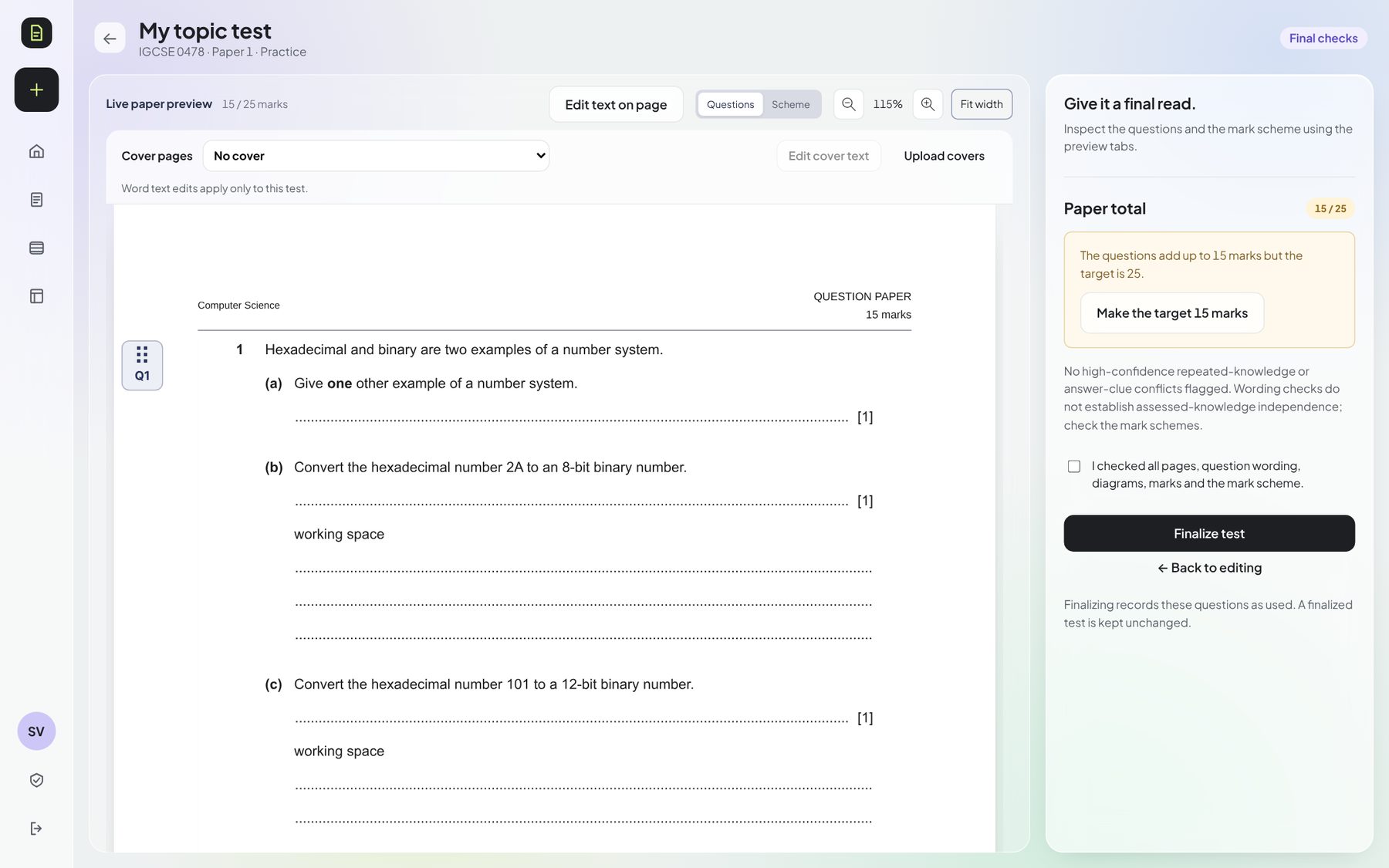
Step 1 of 8
Type a word, a topic or a paper reference. Here the teacher looks for binary.
Overlap checks
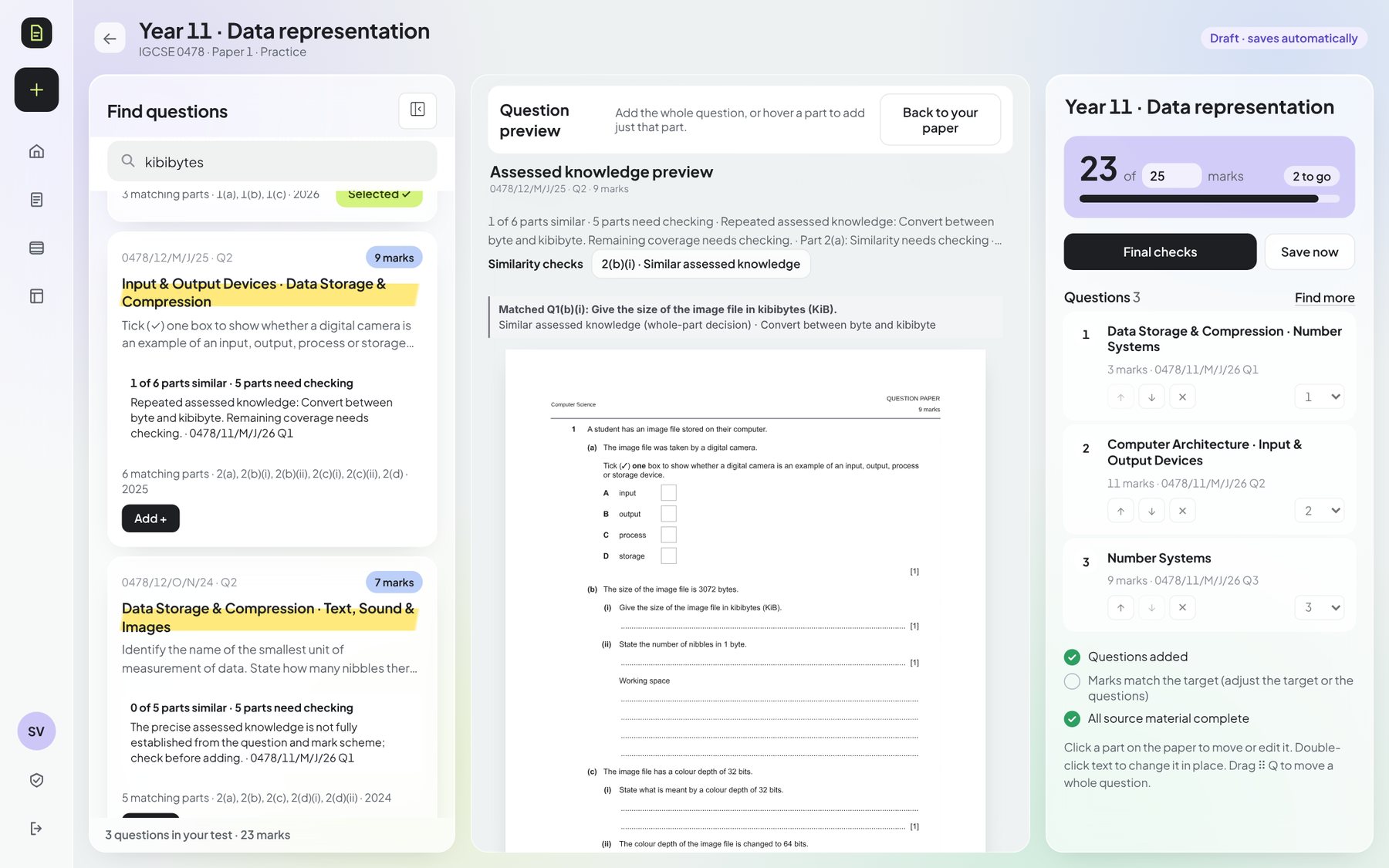
As you choose, Paper Studio compares the knowledge each part of a question actually rewards in its mark scheme, not just its topic. Questions that repeat what your test already covers are highlighted.
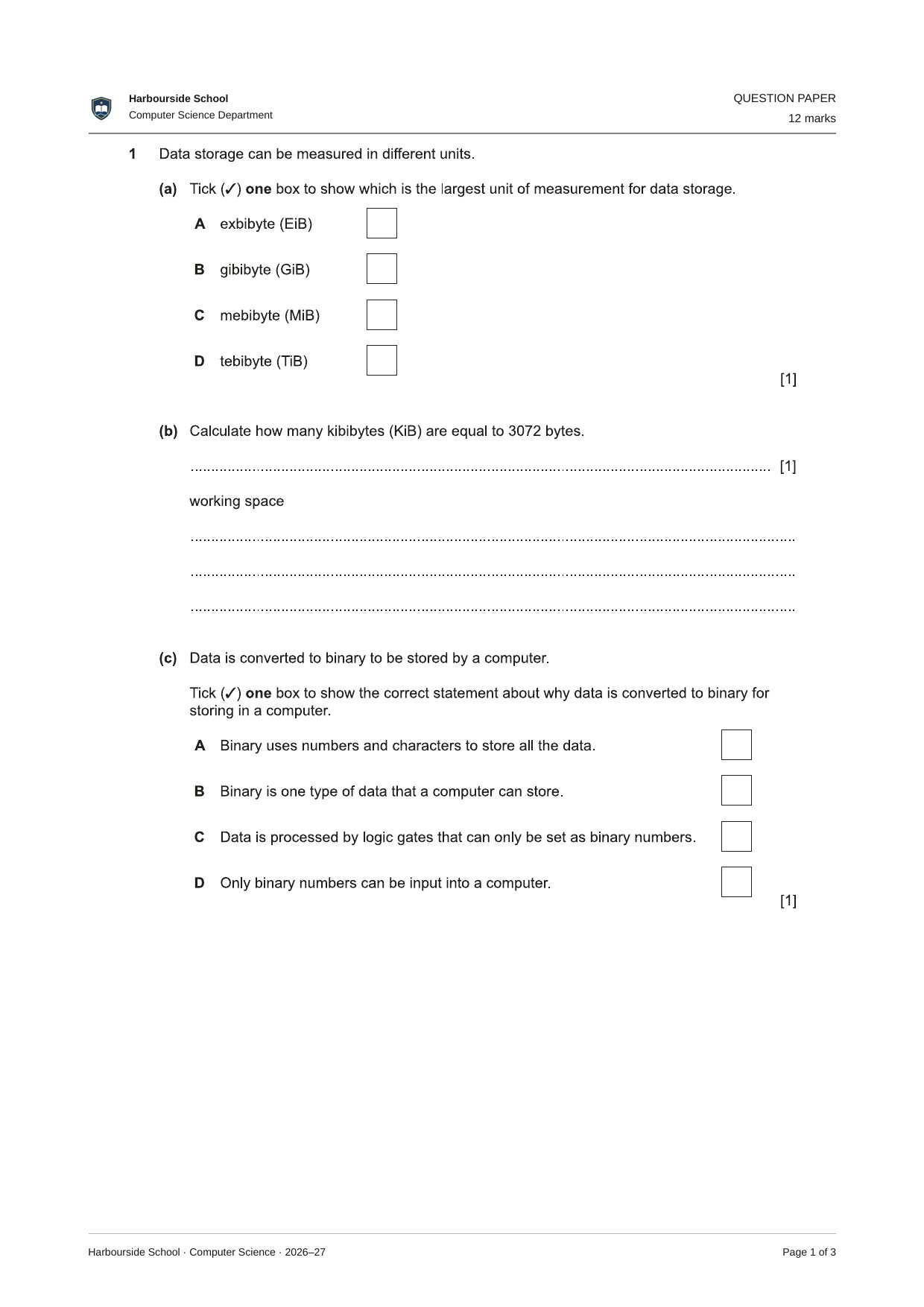
0478/12/M/J/25 · Q2 · 9 marks
1 of 6 parts similar: converting between bytes and kibibytes is already in your test.
0478/12/O/N/24 · Q2 · 7 marks
Most parts repeat units of data storage you have already asked.
0478/11/M/J/26 · Q1 · 3 marks
Every part assesses knowledge another question in this test already covers.
Printing
Build from the original papers, with answer space and a matching mark scheme. Check the final preview before printing to make sure every page works for your students.
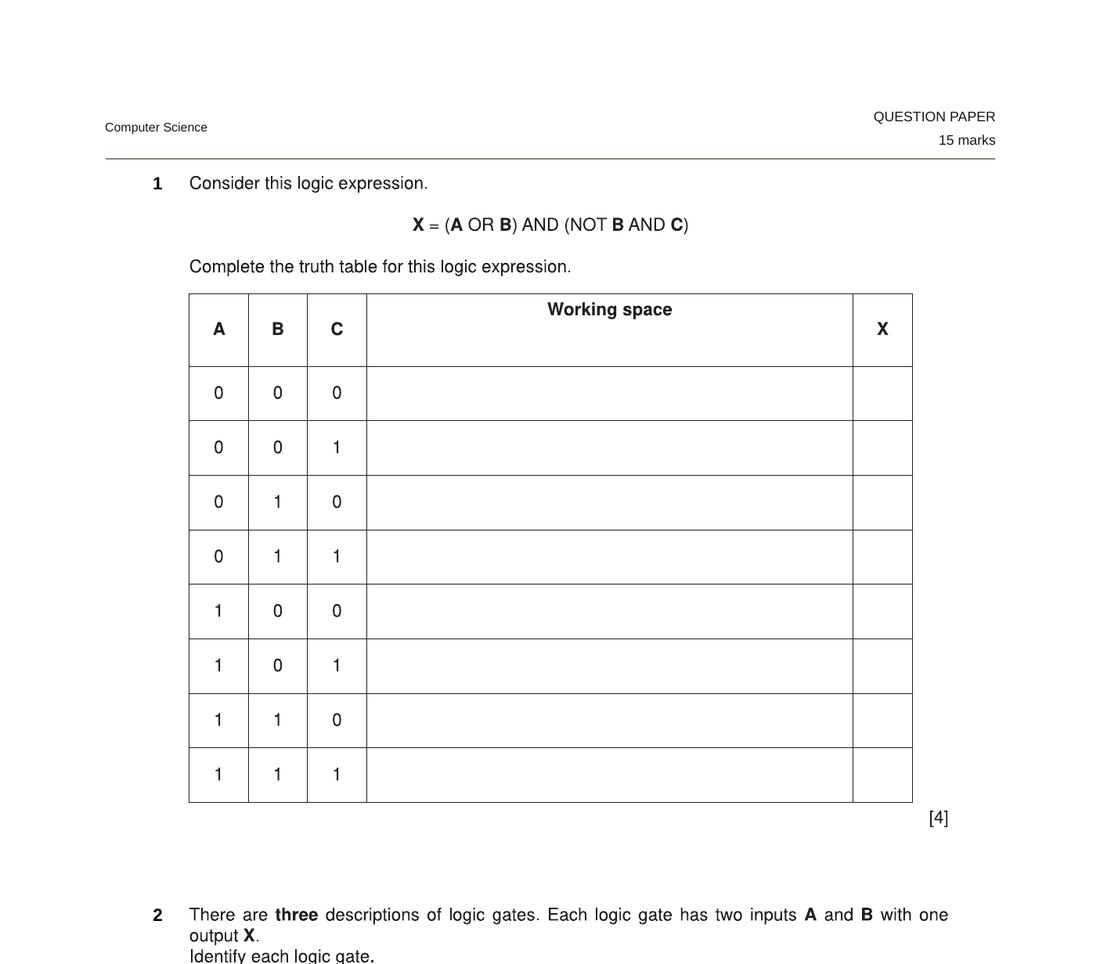
Question paper PDF, ready to print
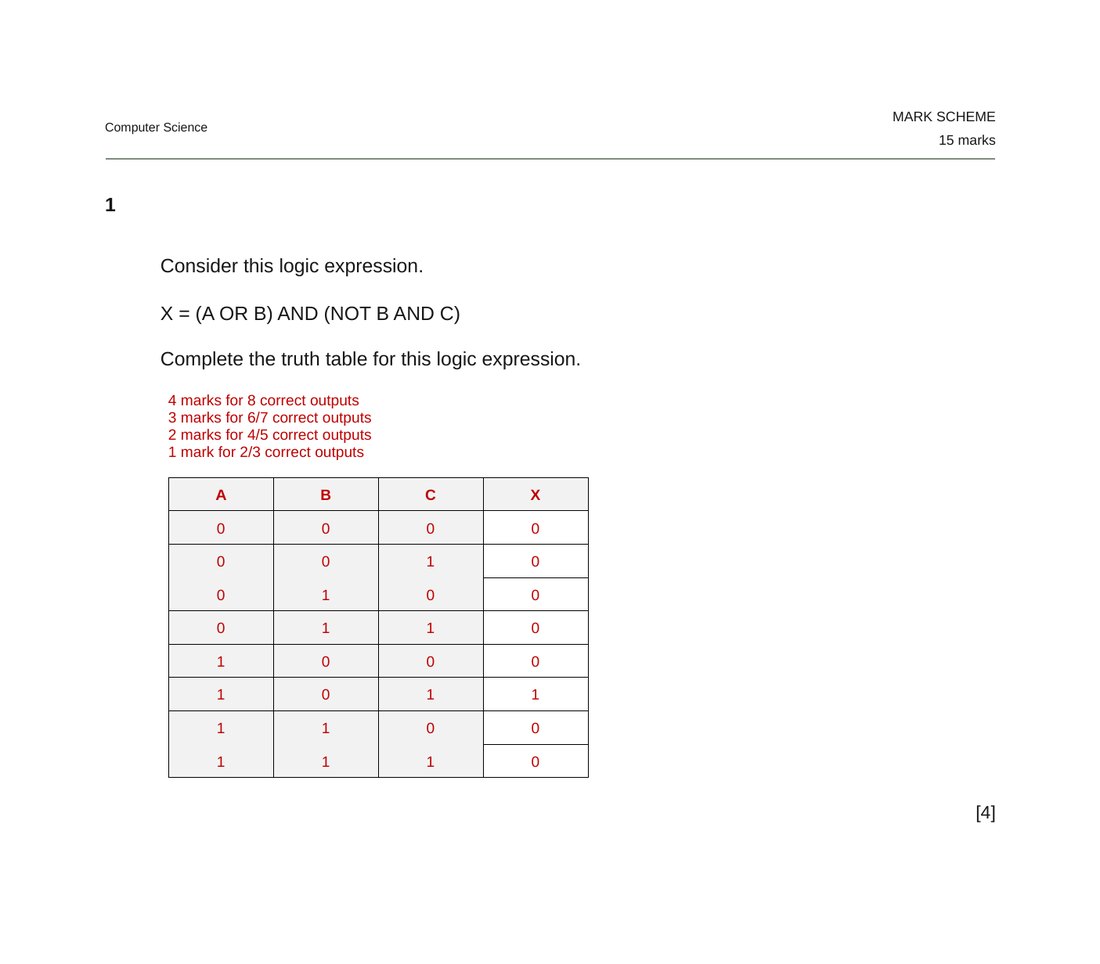
Mark scheme with the answers in the table
Keep the layout you reviewed when you download your paper.
Download the question paper and the mark scheme separately, or print straight from the preview.
Change wording or marks, move parts between questions, and the numbering updates itself.
Your school
Set your school name, logo, header and footer once. New and saved tests use your current settings. Import your own PDF covers, then choose one for each test.
Paper template
 school-logo.png
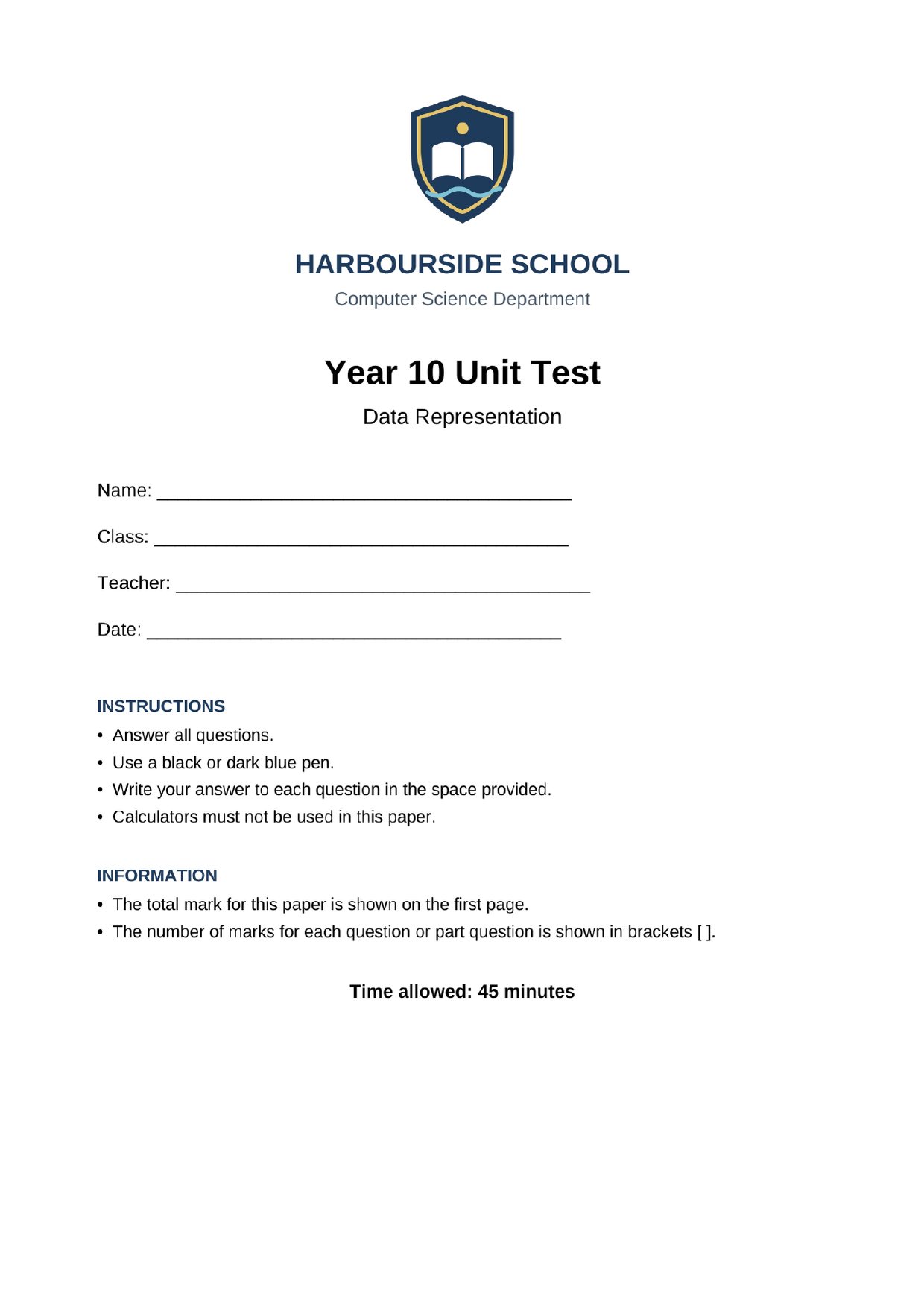
Set them once. New, saved and finalized tests all use your current template.
Import multiple covers and choose one in the test preview. Covers stay in this browser, not on our server.
Edit your cover in Word, export it as a PDF, then import it here. PDF cover text cannot be edited inside Paper Studio.
The cover goes in front, and page 1 is still your first question.
Every day
Open any paper, hover over a question and keep the ones you want.
Narrow by question type, skill or concept, then sort by newest, oldest or marks.
Remove a question or bin a test and undo it in one click. Drafts save as you type.
Questions from your finalized tests stay out of the next exam.
Set a target, or let Paper Studio suggest questions that add up to it.
Revisit and edit saved tests online. Use Save to computer for your own editable copy, then Open test to bring it back.
Questions
Existing early-access accounts have full access within free-service limits. New registrations are not open yet. No payment is required and no subscription is active.
Cambridge IGCSE Computer Science (0478) and AS & A Level Computer Science (9618). The courses are kept separate when building tests.
Yes. Add individual question parts from the preview or choose a whole question. Where a part depends on earlier information, the builder helps retain the context it needs.
No. The builder uses the stored past-paper question bank. Automatic test creation selects from that bank; it does not invent new examination questions.
Download a question-paper PDF and its associated mark-scheme PDF, with school branding and your chosen PDF cover. PDFs are generated on your computer for printing. Save to computer also downloads an editable .paperstudio copy containing your selections, changes and chosen cover. Sign in online and use Open test to reopen that copy as a new draft; it is not a standalone offline app. Check the final preview and marking guidance before using a paper in class.
Your saved tests and question-use history stay in your online account, even after downloading. We keep the question selections and your edits so we can rebuild each paper, not a saved PDF. Imported covers stay only in this browser: keep your original PDFs or a Save to computer copy with the chosen cover. Clearing browser data removes the browser's cover copies; re-import them when needed.
Your account has its own saved tests, templates and school settings. Registering does not make your workspace public or share it with other teachers.
Website preview. Existing teachers can sign in; new registrations are not open yet.